Are you a modern smartphone user in the U.S., especially in tech-forward places like California?
Then your device is more than just a phone—it’s your wallet, your security guard, your personal assistant, and your entertainment hub.
But as Apple and Google release new mobile operating systems,
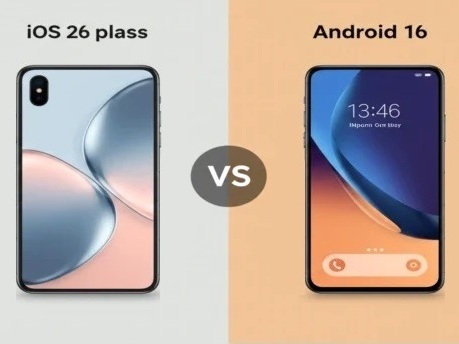
iOS 26 and Android 16, a huge number of the most powerful and time-saving features get quietly tucked away,
completely missed by most users.
You might be using your phone for hours every day, but are you truly unlocking its full potential?
This comprehensive guide is designed to transform you from a basic user into an “Approachable Expert.”
We will dive deep into the often-overlooked settings and gestures that can dramatically boost your
smartphone efficiency, enhance your privacy, and secure your digital life.
Get ready to discover the true power of your device in 2025.
| Key Takeaways at a Glance | iOS 26 Hidden Feature | Android 16 Hidden Feature |
| Privacy & Security | AirDrop One-Time Codes for secure sharing with strangers. | Theft Detection Lock using AI and motion sensors. |
| Daily Efficiency | Interactive Lock Screen Widgets for one-tap actions. | App Pairing for instant multitasking. |
| Communication | Satellite Messages for off-grid texting. | Circle to Search Scam Detection. |
| Power User Tip | Urgent Reminder alarms that bypass Focus modes. | Quick Tap actions using a double tap. |
The New Era of Mobile Computing: Why Hidden Features Matter
In 2025, both iOS 26 and Android 16 focus less on flashy design changes and more on deep,
user-centric smartphone efficiency and security enhancements.
The fastest features are the ones you can access without digging through menus.
That’s why subtle gestures, automation, and hidden toggles now save valuable seconds every day.
The Evolution of Mobile Security
In busy metropolitan areas, physical security matters as much as digital security.
Both operating systems now protect your data even when your phone is physically stolen.
Category 1: Security and Privacy Boosts
Your phone holds the keys to your entire life.
These hidden iOS 26 and Android 16 security features are must-enable settings.
iOS 26: Digital Security Upgrades
1. AirDrop One-Time Codes
- The Secret: Generate a temporary AirDrop code valid for 30 days.
- How to Find It: Settings > General > AirDrop.
- Expert Tip: Ideal for professional environments.
2. App Lock for Individual Apps
- The Secret: Lock individual apps using Face ID or Touch ID.
- How to Find It: Settings > Privacy & Security > App Lock.
Android 16: Theft Protection
3. AI Theft Detection Lock
- The Secret: Detects snatch-and-run motion and auto-locks the phone.
- How to Find It: Settings > Security & Privacy > Theft Protection.
4. Private Space
- The Secret: A secure vault for apps and notifications.
- How to Find It: Settings > Security & Privacy > Private Space.
Category 2: Boosting Smartphone Efficiency
iOS 26 Productivity Hacks
5. Interactive Lock Screen Widgets
- The Secret: Widgets can now perform actions without unlocking.
- How to Find It: Lock Screen > Customize.
6. Power Button in Control Center
- The Secret: Virtual power control inside Control Center.
Android 16 Productivity Hacks
7. Saved App Pairing
- The Secret: Launch split-screen apps with one tap.
8. Quick Tap Actions
- The Secret: Double-tap the back of the phone to trigger actions.
Category 3: Communication Enhancements
iOS 26 Communication
9. Urgent Reminder Alarms
- The Secret: Full-screen alarms that bypass Focus modes.
10. Messages via Satellite
- The Secret: Send texts with no cellular or Wi-Fi.
Android 16 Communication
11. Circle to Search Scam Detection
- The Secret: AI analyzes suspicious messages instantly.
12. Dual Bluetooth Audio
- The Secret: Share audio with two Bluetooth headphones.
Frequently Asked Questions
How can I extend battery life?
Use charging limits on iOS and Adaptive Battery on Android 16.
What’s the fastest way to launch apps?
Use the Action Button on iOS or Quick Tap on Android.
Do these updates help with spam?
Yes. Android adds AI scam detection, while iOS improves call screening.
Conclusion
By enabling these hidden features in iOS 26 and Android 16, you gain efficiency, security, and control over your device.
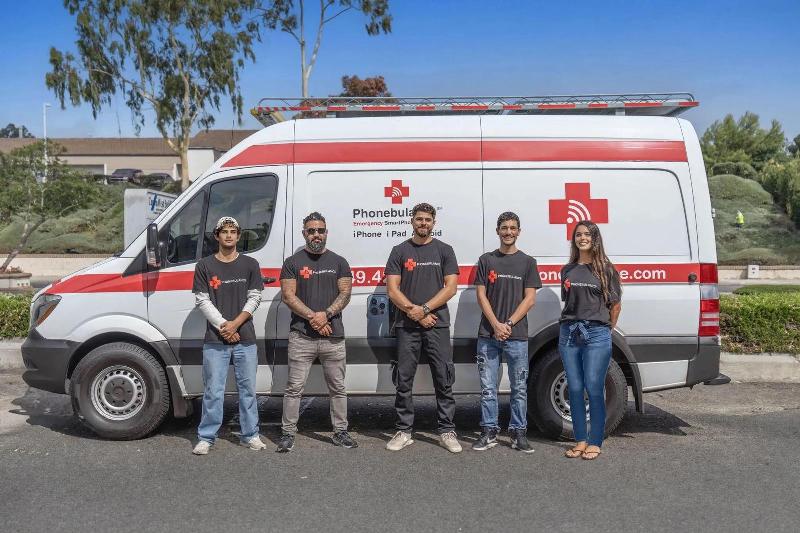
Phonebulance is your one-stop center
Want to get the most out of your iPhone? At Phonebulance, we’re your one-stop center for all things smartphone! Whether you’ve cracked your screen, dropped it in water, or it’s simply acting sluggish, our certified technicians can diagnose and fix a wide range of issues. Contact us today or make an online appointment to learn more about our services and keep your smartphone connected and functioning like new!
Here is the list of our smartphone repair services:
- Apple iPhone
- Apple Watch
- Apple iPad
- Apple iPod
- Samsung Galaxy S Series
- Samsung Galaxy Note Series Samsung Galaxy Tab
- Google Pixel and Nexus
- OnePlus
- Other brands (LG, Motorola, HTC, Blackberry…)
Here is the list of our repair and fixing prices:
- iPhone LCD Screen Replacement
- iPhone Charging Port Replacement
- iPhone Battery Replacement (High Capacity)
- iPad screen replacement
- iPhone Back Camera Lens Replacement
- iPhone Rear Camera Repair
- iPhone Back Glass Repair Cost
Service Areas in Orange County South:
0 Comments